
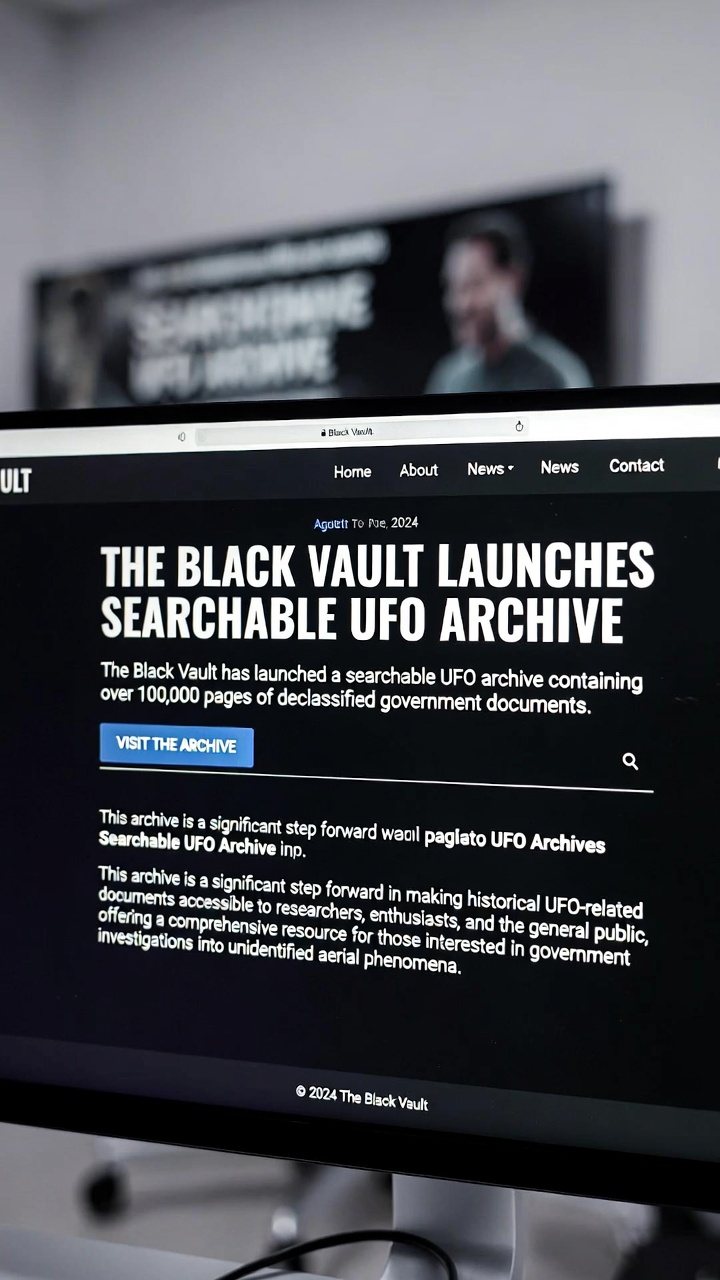
The Black Vault UFO archive helps researchers search a processed copy of the government’s UFO Files Release #1 collection. The archive operator announced this service on 11 May 2026.
Correction, 7 October 2026: The previous version incorrectly dated the launch to 2024 and described technical features, an API and a case study without supporting documentation. This guide removes those claims.
In this article
Access the collection
Start with The Black Vault’s launch and access page. It links its search engine and a processed Release #1 ZIP archive, listed as approximately 2 GB. Check the download size before saving the bulk collection.
The operator describes searchable PDFs, video material, OCR text, transcripts where available, agency categories and links between related records. It reports processing files that were difficult to search in the original release. OCR quality remains dependent on the source material.
A reproducible search workflow
- Choose one distinctive term from a known document, such as an agency name, case identifier or location.
- Record the collection, exact query and date of search.
- Open a result and inspect the underlying page image, rather than relying solely on generated text.
- Record the filename, document date and page number for each passage used.
- Try spelling and acronym variants when a scan appears to contain text that search does not find.
OCR and completeness limits
A searchable copy improves access; it does not resolve the events described. A reported observation and its explanation are separate questions. Likewise, a missing search result is not proof that a subject is absent: scan quality, handwriting and indexing can all limit retrieval.
Keep the processed archive distinct from the original government collection. Cite the source document and explain any dependence on OCR or a transcript. Avoid treating an OCR transcription as a definitive quotation without checking the image.
Related collections
Our government-file download guide covers the original release workflow. The NARA UAP records guide covers a different archival track. These collections can overlap in subject matter without being interchangeable.